Best Interactive Demo Tools for Solo Founders in 2026 (Not the Enterprise List)
Every "best interactive demo tools" list you will find online was written for a company that already has a sales team. The tools they recommend start at $499 a month, require a call with a sales rep to get pricing, and come with features like Salesforce deal tracking and SOC 2 compliance reports. These are genuinely good tools if you have a GTM team, a budget, and a procurement process. But if you are a solo founder trying to get your first fifty customers to understand what you built, those lists are almost entirely useless to you.
I built Escourtly because I was in exactly that situation, and I spent a long time evaluating what actually exists in this category before deciding to build something myself. This list is honest about what each tool does well and where it falls short, and it is written specifically for founders who are doing everything themselves. None of the tools here require a sales call to try, and none of them will blow your entire runway in the first month.
What an Interactive Demo Actually Is
Before getting into the tools, it is worth being precise about what we are talking about because the term gets used loosely. A screen recording is not an interactive demo. A video of you clicking through your product is something a prospect watches passively. An interactive demo is something they click through themselves, at their own pace, without you being in the room.
The distinction matters because interactivity changes how prospects engage with your product. Watching a video, they are an audience. Clicking through a demo, they are a participant. Participation creates a different kind of understanding and a different level of trust. The prospect who clicked through your product themselves will always have a stronger opinion about it than the prospect who watched someone else click through it.
Some tools in this category capture screenshots and string them together into a clickable sequence. Others capture the actual HTML of your pages and render them in a sandboxed environment so the experience feels like the real product. The difference is significant and worth understanding before choosing a tool.
1. Escourtly — Best for Solo Founders Who Want Something That Feels Real
I built Escourtly so I am obviously not a neutral party here, but I will explain exactly why I think it is the right starting point for solo founders and let you decide.
.png)
The core difference between Escourtly and most tools in this category is what gets captured during recording. Escourtly captures the actual HTML of each page state as you click through your product, not a screenshot. When a prospect opens your demo link and clicks through it, they are seeing the real rendered HTML of your product, not a photograph of it. Elements that were interactive in your product remain visually interactive in the demo. The experience feels like using the real thing because it is structurally the same thing, just frozen at the moment you captured it.
This matters most when your product has any visual complexity at all. If your interface has hover states, dynamic elements, or anything that looks different depending on what is on screen, a screenshot-based tool will produce a demo that looks noticeably different from the real product. HTML capture does not have that problem.
The workflow is simple enough that recording your first demo takes under ten minutes. You install the Chrome extension, open your product, and click through the flow you want to show. The extension captures each screen as you go. When you stop, you land in the editor with all your steps ready, AI-written descriptions for each one that you can edit, and fields for your headline and CTA. Publishing takes one click and gives you a shareable link that works on any device without any account or app required on the viewer's side.
Analytics are included and privacy-respecting. You see how many people opened your link, how far through they got, and whether they clicked your CTA, without using cookies or storing anyone's IP address.
Escourtly is currently in early access with a single founder-focused plan. If you get in now, the pricing is locked at the founding rate regardless of what gets added later. I mention this not as a sales pitch but because it is a genuine consideration if you are evaluating tools and thinking about long-term cost.
Best for: Solo founders and small teams doing cold outreach, sharing demos on social media, or embedding an interactive walkthrough on a landing page.
Free plan: Yes, record and preview demos free. Publishing and sharing requires a paid plan.
Pricing: Founder plan at early access pricing. Visit escourtly.com for current details.
Honest limitation: Escourtly is newer than the other tools on this list. The feature set is more focused and some of the more advanced capabilities like branching demos and video bubbles are on the roadmap but not live yet. If you need those features today, look at Supademo or Arcade.
2. Supademo — Best Free Tier in the Category, Honest About Its Limits
Supademo has the most generous free plan in this space by a meaningful margin. Five full demos with no time limit on the free tier, no credit card required, and you can share them immediately. For a solo founder who wants to try the category before committing any money, this is the right place to start if you want to compare multiple tools before deciding.
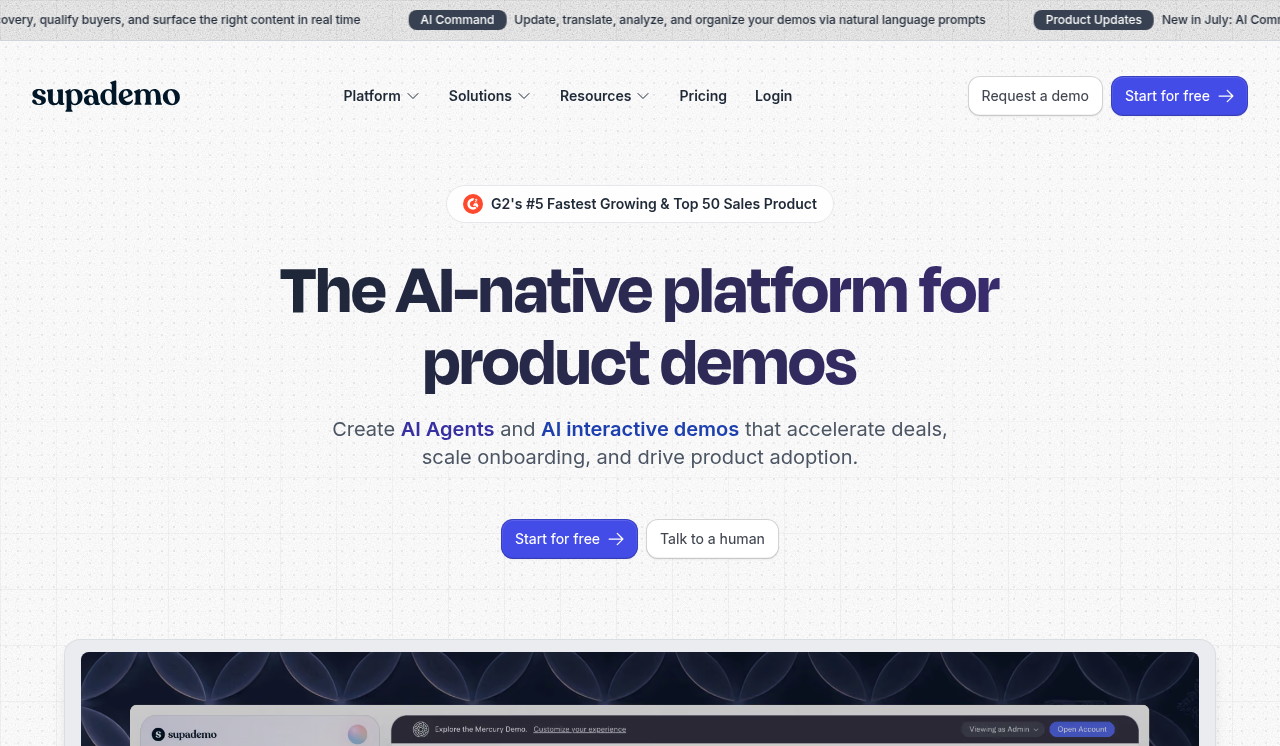
The paid plans start at $38 per creator per month on the Scale plan, which is where you unlock HTML capture. The screenshot-based demos on the free and lower tiers are competent but show their limitations when your product has visual complexity. Once you get to HTML capture on Scale, the quality improves significantly.
Per-creator pricing on the Scale plan punishes team growth: $380 per month for ten creators with no volume discount. For a solo founder, that is not a concern, but it is worth knowing if you expect to bring other people in.
The analytics are functional but not deep. You can see who viewed a demo and basic engagement metrics, but the account-level insights and CRM sync that some competitors offer are not there on the lower tiers.
Best for: Founders who want to try the category for free before paying anything, or who need a quick screenshot-based demo without a lot of setup.
Free plan: Yes. Five demos, no time limit, shareable links included.
Pricing: Scale at $38 per creator per month. Growth at $350 per month for five creators as a team bundle.
Honest limitation: HTML capture is less mature than Storylane or Navattic, with inconsistent handling of hover states and complex UI. If your product has complex interactive elements, test the HTML capture carefully before committing to a paid plan.
3. Arcade — Best for Polished Visual Presentation
Arcade sits in an interesting position in this category. The demos it produces look exceptionally polished out of the box, and the editor experience is smoother than most competitors. If visual quality and ease of sharing matter more than technical fidelity to the real product, Arcade is worth a serious look.
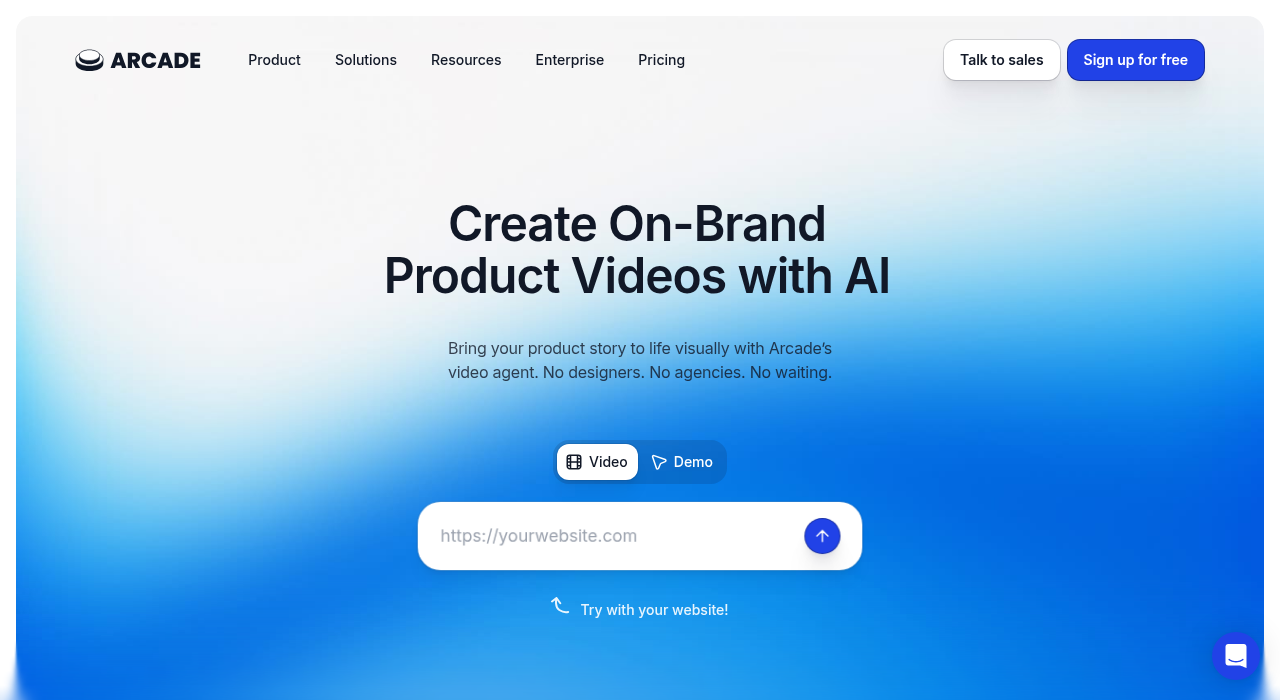
The tool captures screenshots and adds a layer of interactivity on top of them. The result is visually impressive and loads quickly, which matters for embedding on landing pages or sharing in contexts where load speed affects engagement.
The pricing is more significant than Supademo at the equivalent level, with the Growth plan running several hundred dollars a month for a small team. For a solo founder, the individual creator plan is more relevant and more affordable, but it still represents a meaningful monthly commitment compared to the free options in this category.
Arcade works especially well for marketing-focused demos where the goal is to make the product look as good as possible rather than to make it feel exactly like the real thing. If you are putting a demo on a landing page or sharing it in a tweet and you want it to look sharp immediately, Arcade delivers that faster than most alternatives.
Best for: Founders who prioritize visual polish and want demos that look great in a marketing context without a lot of editing work.
Free plan: Limited free tier available.
Pricing: Individual creator plans available; team plans start at higher price points. Check arcade.software for current pricing.
Honest limitation: Screenshot-based capture means the demos will not feel identical to the real product. If your product has significant visual complexity, that gap will be noticeable to prospects who try the real thing after the demo.
4. Guideflow — Best for Product Walkthroughs on a Tight Budget
Guideflow occupies the lower end of the pricing spectrum and covers the basics of interactive demos competently. It is not the most feature-rich tool in this category and it does not have the brand recognition of Supademo or Arcade, but it works, the price is accessible, and the onboarding is fast.
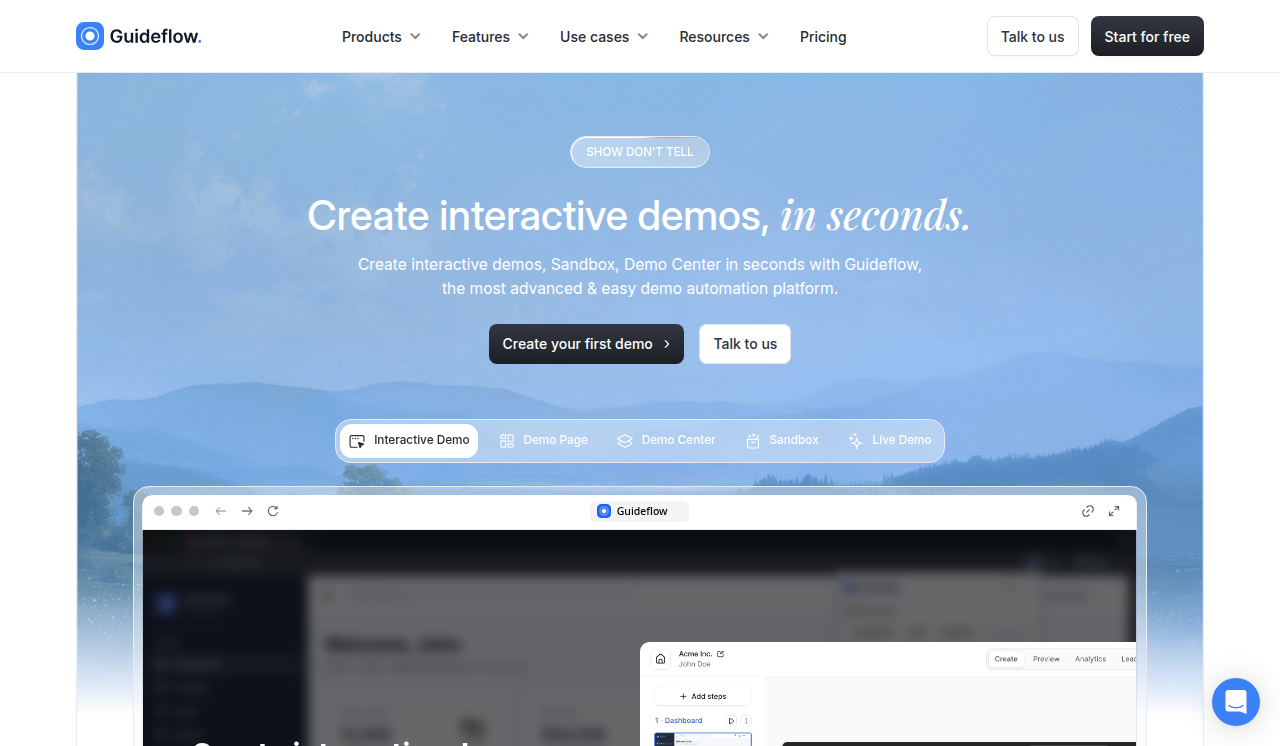
For a founder who needs to produce simple click-through walkthroughs quickly and does not need advanced features like HTML capture, branching logic, or deep analytics, Guideflow gets the job done without asking for a significant budget commitment.
The editor is straightforward and the sharing experience is clean. Demos load reasonably fast and the embed options work well for adding a walkthrough to a help center or landing page.
Best for: Founders on the tightest budgets who need basic click-through demos and do not require advanced features.
Free plan: Yes, with limitations on published demos.
Honest limitation: The feature set is more limited than the other tools on this list. If you need HTML capture, advanced analytics, or CRM integration, Guideflow will not cover those needs.
5. Storylane — Best for When You Are Ready to Scale
Storylane is a step up from the other tools on this list in terms of both capability and price. It is worth including because some founders reach a point where the simpler tools are not enough and they need to know what comes next.
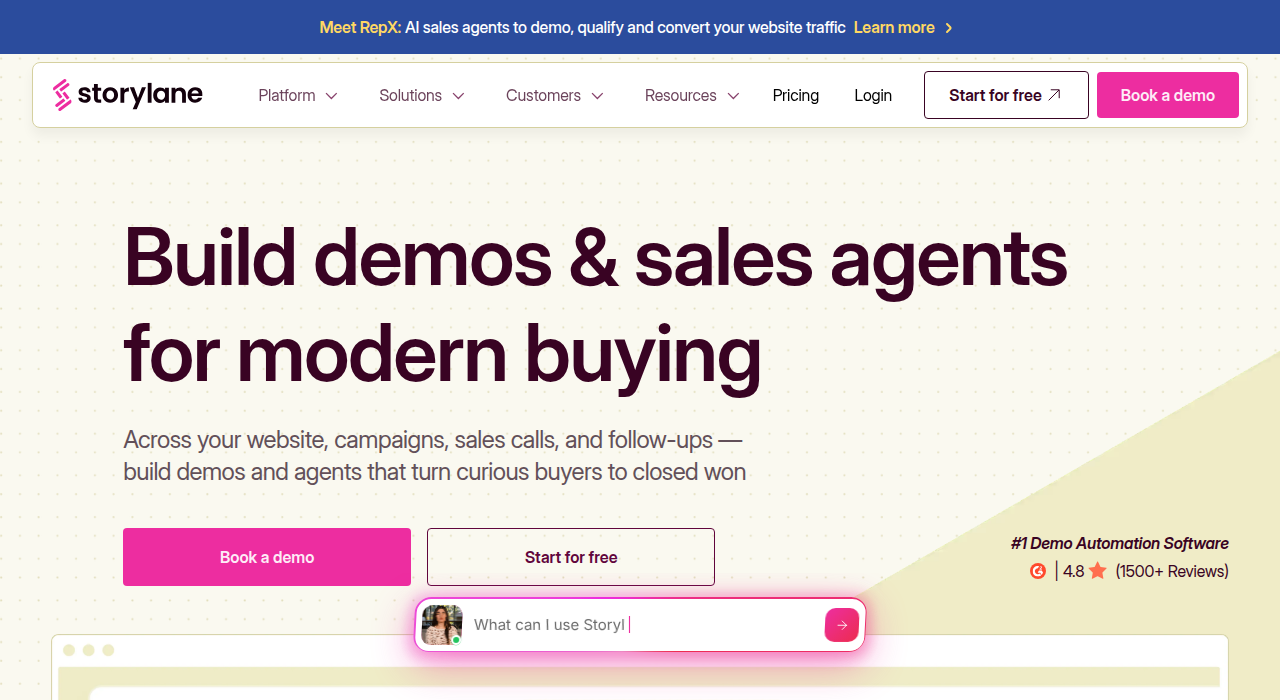
HTML capture quality on Storylane is among the strongest in the category, with more consistent handling of complex UI patterns than most competitors. The analytics go deeper, the CRM integrations are more complete, and the team collaboration features are built for organizations that have multiple people working on demos.
The pricing reflects all of this. Storylane is not a tool for a founder who is still figuring out product-market fit. It is a tool for a team that has validated the product, has a sales process, and needs demo infrastructure to support it. Getting there is the goal, and knowing that Storylane exists is useful context for where this investment eventually leads.
Best for: Teams with an established sales motion who need professional-grade demo tooling.
Free plan: Limited trial available.
Pricing: Starts around $40 per month for a single seat; team plans at higher price points. Verify on storylane.io as pricing changes frequently.
Honest limitation: It is more than most solo founders need right now. Start with one of the more accessible tools and graduate to Storylane when the situation calls for it.
How to Choose
The honest version of this decision is simpler than most comparison posts suggest.
If you have never built an interactive demo before and want to try the category for free, start with Supademo's free tier. Five demos, no credit card, shareable immediately. Use it to understand what the format feels like before spending anything.
If you have tried the basics and want something that captures the real HTML of your product because your interface has any complexity at all, Escourtly is built specifically for that use case and for the founder who is doing cold outreach and social sharing rather than running an enterprise sales process.
If visual polish is your primary requirement and you want demos that look sharp in a marketing context without a lot of editing, Arcade is worth the investment.
If budget is the binding constraint and you need something functional without any meaningful monthly cost, Guideflow covers the basics.
And if you have a sales team, a real budget, and you need professional-grade demo infrastructure with deep CRM integration and analytics, that is when Storylane becomes the right conversation to have.
The category is maturing fast and the tools are getting better quickly. Whichever one you start with, the important thing is to start. A demo link that exists is infinitely more useful than a perfectly chosen tool that you have not had time to try yet.