Loom is a genuinely good tool, and I want to be honest about that before saying anything else. If you need to record a quick walkthrough, explain a bug to a developer, or send an async update to a colleague, Loom does exactly what it says it does and it does it well. The problem is not with Loom. The problem is with using Loom for something it was never actually designed for, which is convincing a stranger that your product is worth their time before they have any reason to trust you.
When you send a Loom video to a prospect, you are asking them to watch a recording of someone else using something. They are a passive audience. They cannot control what they see or skip to the part that matters to them. They have to watch at the speed you recorded it, through the structure you chose, with the emphasis you decided to put on things. If the most relevant part for them is in minute three of a four-minute video, they have to sit through two minutes of setup to get there, and most of them will not.
I used Loom for product demos for months before realising that the completion rates were telling me something important. The average viewer was dropping off well before the halfway point, which meant the majority of people who clicked my link never saw the thing I actually wanted them to see. Switching to interactive demos changed that pattern significantly, and it is why I ended up building Escourtly.
This list covers the best alternatives to Loom specifically for product demo use cases. Tools for async communication, team updates, or education are a different category and not what this is about.
Why Interactive Demos Beat Video for Product Demos Specifically
Before getting into the tools, it is worth being specific about what makes interactive demos better than video for this particular use case, because the advantage is not just about format preference.
An interactive demo gives the prospect control. They decide when to advance to the next step. They can spend thirty seconds on a screen that is directly relevant to their situation and skip past one that is not. They can go back and look at something again without scrubbing through a timeline and trying to find the right moment. The experience is shaped by their curiosity rather than your editorial decisions.
For cold outreach specifically, this matters because the people you are reaching out to do not know you yet. Their default attention allocation for something from a stranger is low. An interactive demo that they can click through in ninety seconds of their own choosing works in that attention window in a way that a four-minute video does not.
There is also something more credible about interactivity. Sending a video implies you want to control what someone sees. Sending a link that lets them explore implies you are confident enough in the product to let it speak for itself.
1. Escourtly — Best for Founders Doing Cold Outreach and Social Sharing
.png)
Full disclosure: I built Escourtly, so I am explaining what it does and why I think it is the right Loom alternative for most solo founders rather than just asserting that it is the best.
The core thing that makes Escourtly different from Loom is not just the format shift from video to interactive. It is what gets captured during recording. When you record with Escourtly's Chrome extension, it captures the actual HTML of each page state as you click through your product. When a prospect opens your link and clicks through the steps, they are seeing the real rendered HTML of your product, not a screenshot or a video frame. The experience feels like using the real product because structurally it is the same thing, just captured at the moments you clicked.
This distinction matters most when your product has any visual complexity at all. Hover states, dynamic content, forms, dropdowns — these all look different in an HTML-captured demo versus a screenshot-based one. If you have spent time making your product's interface feel good, an HTML-captured demo preserves that feeling in a way a video or screenshot never can.
The recording workflow is straightforward. Install the Chrome extension, open your product, click through the flow you want to show, and stop. The extension captures each screen as you go without interrupting anything you are doing on the page. You land in the editor with all your steps ready, AI-written descriptions that you can edit, and a headline and CTA field. Publishing gives you a shareable link that works on any device without requiring the viewer to create an account or download anything.
For cold outreach, the link format is particularly effective because there is no friction between the prospect and the experience. They click the link, the demo opens, they explore it. The link works in a tweet, a DM, an email, or embedded directly on a landing page.
Analytics show you who clicked, how many steps they reached, and whether they hit your CTA at the end. This tells you something concrete about a prospect's level of interest without them having to tell you anything explicitly, which changes how you follow up.
Below is a solid example of escourtly in action:
Best for: Solo founders doing cold outreach and social sharing who want something that feels like the real product rather than a recording of it.
How it compares to Loom directly: Loom creates a video someone watches. Escourtly creates an experience someone clicks through. The viewer is a participant rather than an audience, and that changes the quality of their understanding and the conversion rate at the end.
Free plan: Record and preview demos free. Publishing and sharing requires a paid plan.
Try it: escourtly.com
2. Supademo — Best Free Starting Point for Interactive Demos
Supademo is the most accessible entry point in the interactive demo category, with a free plan that lets you create five complete demos without a credit card. For a founder who wants to try the format before committing any money, this is the right first stop.
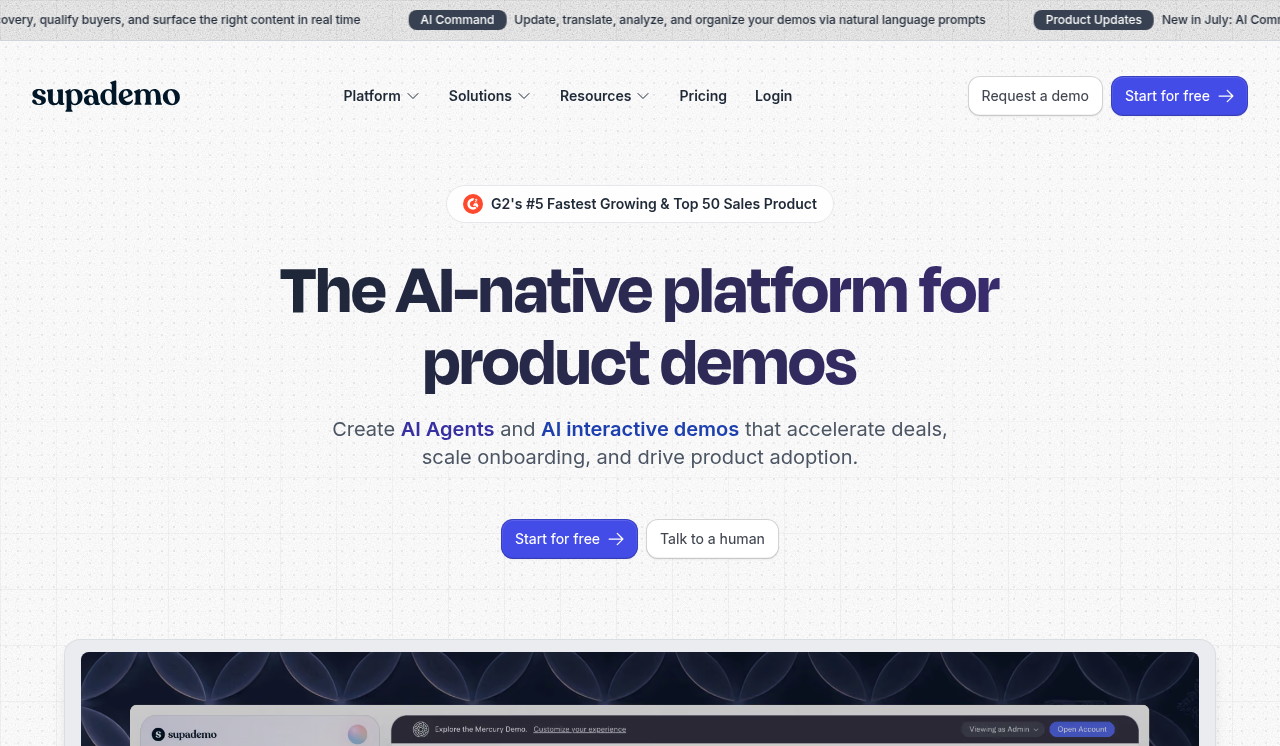
The tool captures screenshots and adds a layer of interactivity on top of them. The demos are clean, load quickly, and share easily. The free tier is genuinely useful rather than artificially limited to the point of being useless.
The limitation of screenshot-based capture compared to HTML capture is that the demos will not look identical to the real product if your interface has hover states or dynamic elements. For many products, especially those with relatively simple interfaces, this is not a meaningful problem. For products with more visual complexity, it becomes more noticeable.
The paid tiers add HTML capture, more advanced analytics, and CRM integration. The per-creator pricing on higher tiers can add up for teams, but for a solo founder the individual plan is manageable.
As a Loom alternative specifically, Supademo addresses the core problem of passive viewing. The prospect clicks through rather than watches, which is the fundamental shift that matters. The screenshot capture means the demos will not feel exactly like the real product, but they will feel more real than a video recording.
Best for: Founders who want to try interactive demos for free before spending anything, or who need a quick demo without a lot of setup time.
Free plan: Yes. Five demos, no time limit, fully shareable.
How it compares to Loom: Interactive rather than passive. Shorter average time to value for the viewer because they control the pace.
3. Arcade — Best When Visual Polish Is the Priority
Arcade produces demos that look exceptionally good out of the box. If you need something for a landing page, a Product Hunt launch, or a tweet where the visual quality needs to be immediately impressive, Arcade delivers that without requiring a lot of editing work.
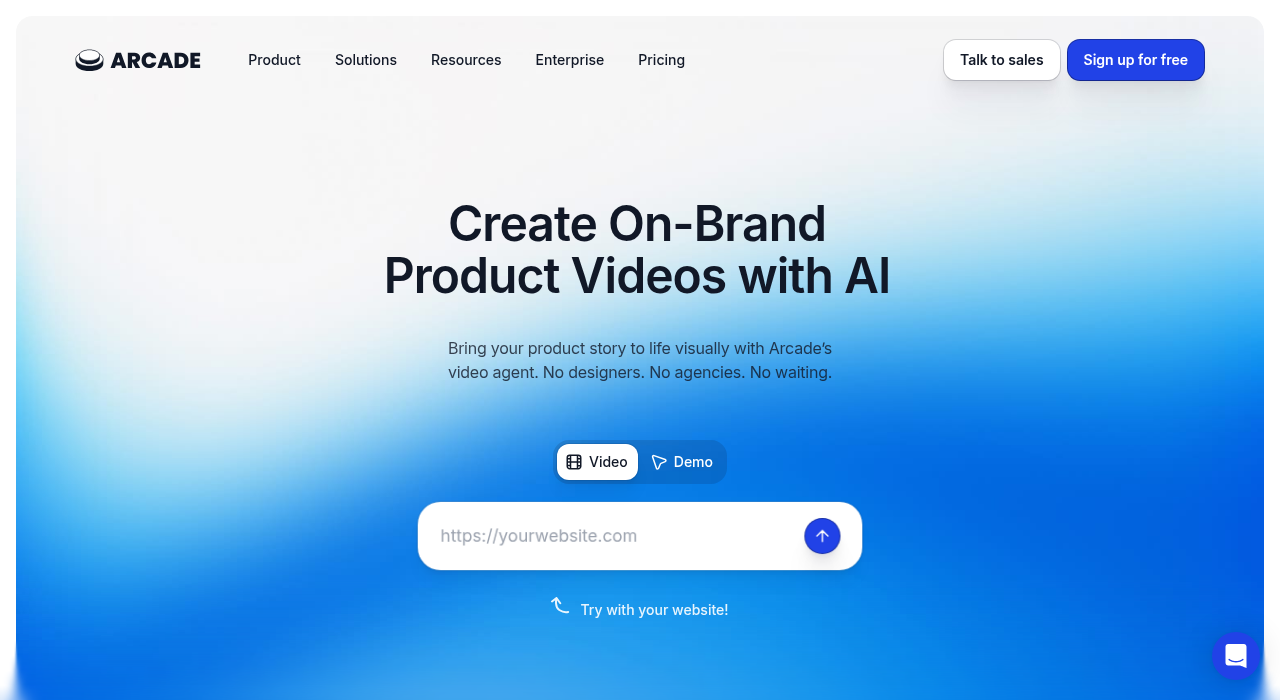
The tool takes screenshots and layers interactivity on top of them, similar to Supademo in its underlying approach. Where Arcade distinguishes itself is in the default visual treatment and the smoothness of the editor experience. The demos look polished in a way that immediately signals professionalism, which matters in some contexts more than technical fidelity to the real product.
As a Loom alternative, Arcade solves the passive viewing problem effectively. Prospects click through rather than watch, and the visual quality of what they are clicking through is high. The limitation is the same as other screenshot-based tools: if your product has visual complexity, the gap between the demo and the real product will be visible.
Arcade works particularly well for founders who are at a point where they are doing more marketing-focused sharing and need demos to look sharp in polished contexts. It is a higher investment than Supademo but the output quality reflects that.
Best for: Founders who prioritise visual polish and are sharing demos in contexts where the quality of the presentation matters.
Free plan: Limited free tier available.
How it compares to Loom: More interactive, better looking in a marketing context, screenshot-based rather than video-based.
4. Tella — Best Loom Replacement That Is Still Video-Based
Tella is worth including because not every Loom use case maps cleanly to an interactive demo, and for the situations where video is still the right format, Tella is a meaningfully better experience than Loom for product-focused content.
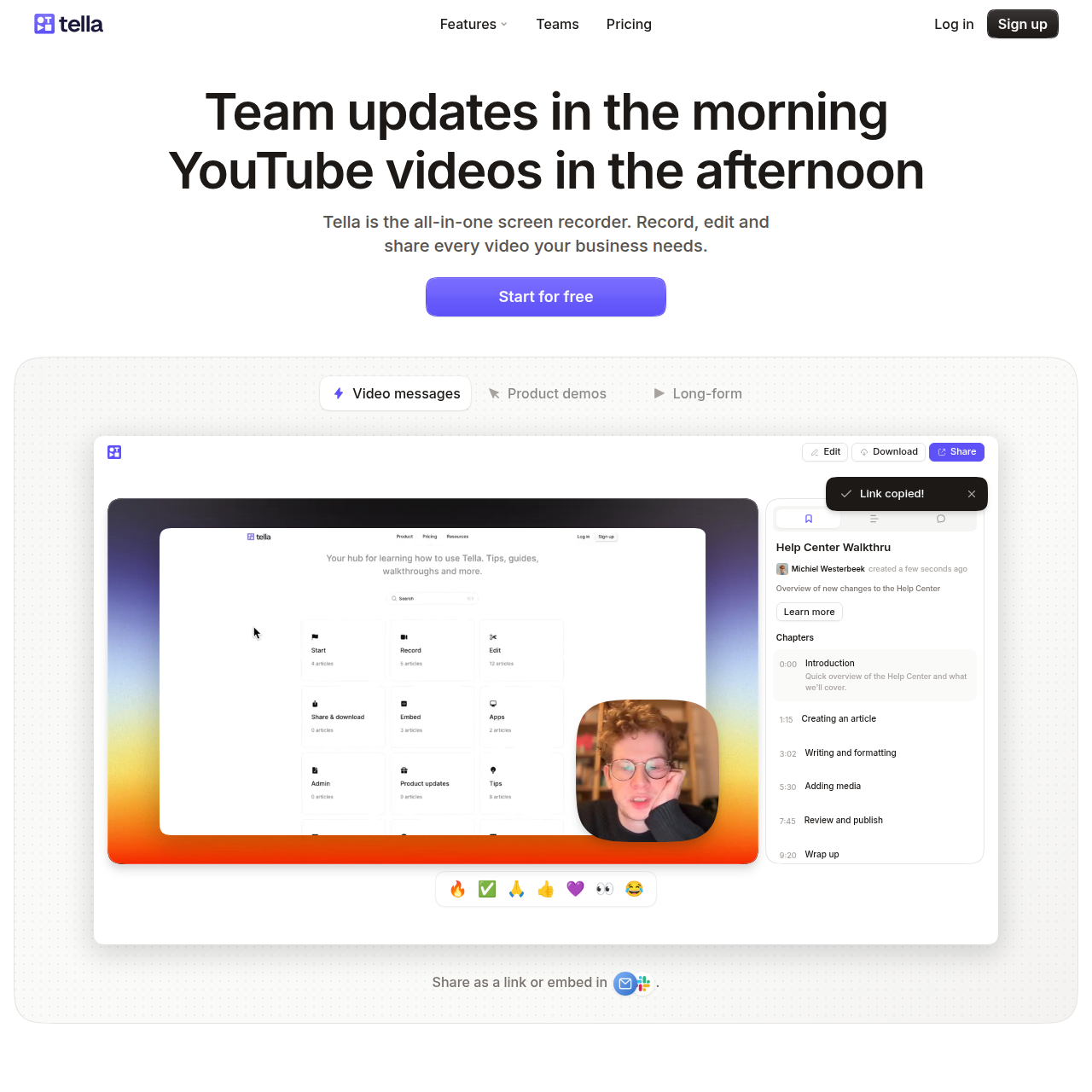
Where Loom records and shares a raw screen recording, Tella adds a layer of production quality that makes the videos look more intentional. Background customisation, smoother transitions between scenes, and a cleaner player experience all contribute to a final product that looks like something you chose to make rather than something you just recorded quickly.
For explaining complex workflows where the sequence and timing genuinely matter and a narrated video is more useful than an interactive demo, Tella bridges the gap between the quick-and-casual feel of Loom and the professional quality of something that took real production time.
Best for: Founders who need video rather than interactive demos, and who want the video to look more polished than a standard Loom recording.
Free plan: Yes, with watermark removed on paid plans.
How it compares to Loom: Still video-based, but with significantly better production quality and presentation options.
5. screencastify — Best for Absolute Simplicity
screencastify is the simplest tool on this list by a wide margin. Record a screen, get a link, share it. No account required. No editing. No features beyond the basics.
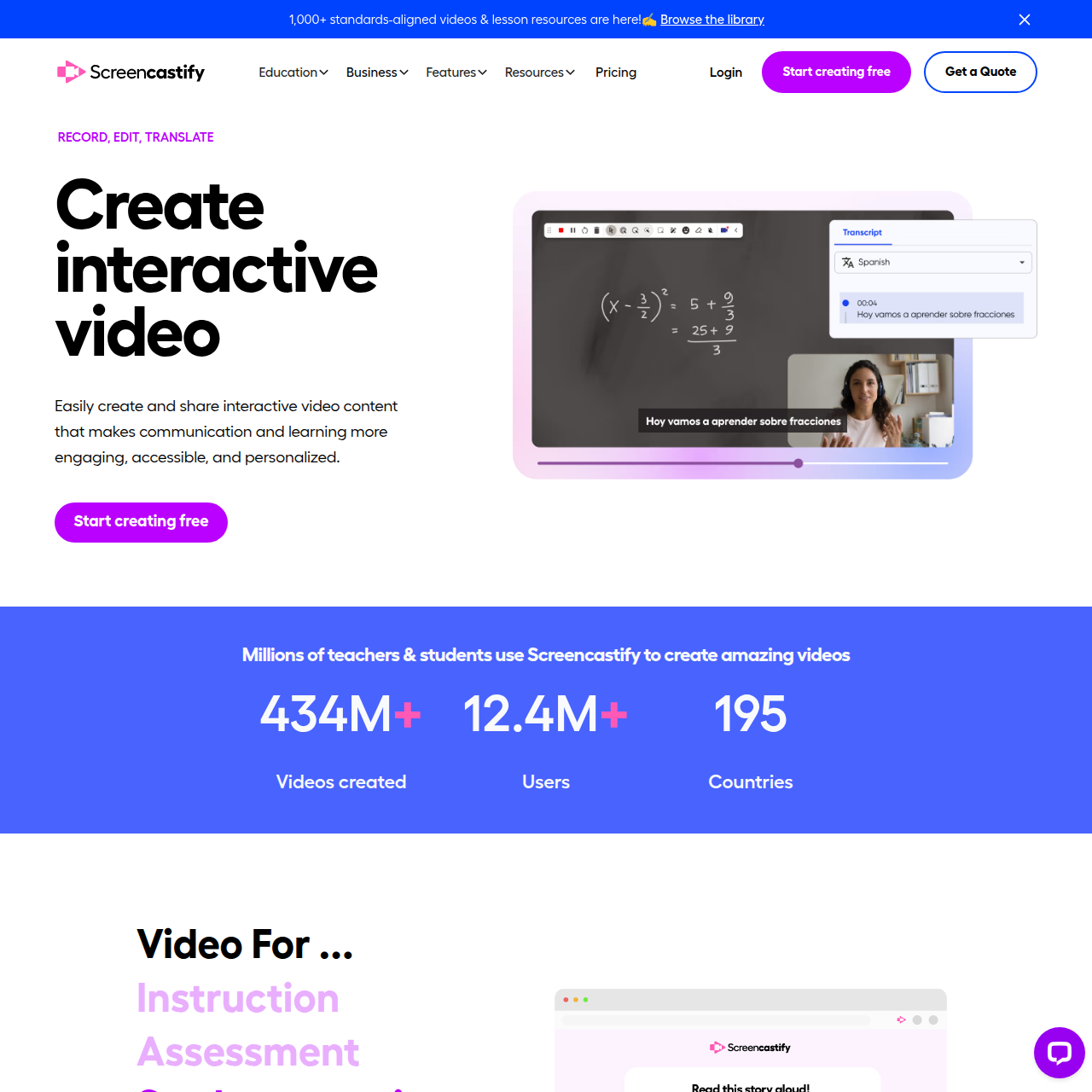
For a founder who needs to share something quickly and does not need anything beyond the basic "here is what this looks like" use case, screencastify removes every possible barrier. The tradeoff is that it has almost no features beyond recording and sharing, and the output is still video rather than interactive.
It is worth knowing about specifically for situations where you need to share something in the next two minutes without setting up any tool or account. For anything more intentional than that, the other tools on this list are more appropriate.
Best for: Absolute simplicity and speed when you need to share something immediately without any friction.
Free plan: Yes, core functionality is free.
The Right Tool for Your Situation
The honest version of choosing between these tools comes down to one question: do you need the prospect to watch something or do you need them to experience something?
If the answer is watch, Tella or screencastify cover that better than Loom in most situations, with better production quality and simpler sharing respectively.
If the answer is experience, which it should be for most product demos sent in cold outreach or shared on social media, then an interactive demo tool is the right category. Within that category, start with Supademo's free tier to understand the format, and if you want HTML capture that makes the demo feel like the real product rather than screenshots of it, that is what Escourtly is built for.
The goal in all of this is to remove friction between a prospect and an understanding of what your product does. A video adds friction because it requires passive attention and continuous viewing time. An interactive link removes friction because it gives the prospect control over the experience and lets them engage at their own pace and on their own schedule.
Loom is a good tool. It is just not the right tool for showing your product to people who do not know you yet and have not decided whether they care. Something interactive is the right tool for that, and there has never been more genuinely good options in this category than there are right now.